You can manage DNS records in the Hosting Control Panel when the domain uses the DNS service assigned to the hosting account.
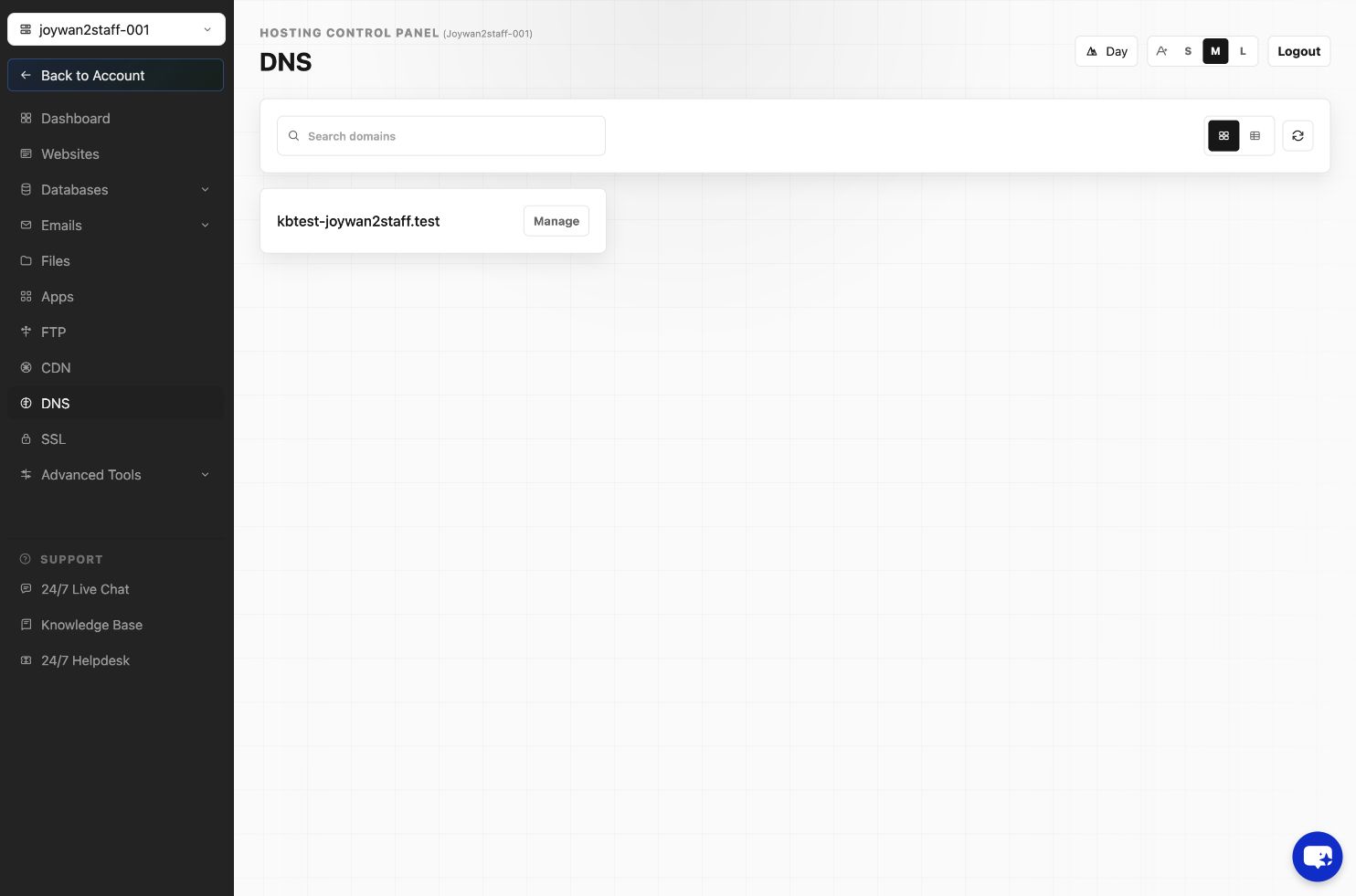
- Open DNS in the Hosting Control Panel.
- Select the domain to open its DNS Records table.
- Use Add Record to create a new A, AAAA, CNAME, MX, TXT, or other supported record.
- Use the row Actions menu to edit or delete an existing record.
- Confirm the record values before submitting, then allow time for DNS propagation.
Changing DNS records can interrupt websites and email. Preserve required MX, SPF, DKIM, and verification records unless the associated service is being replaced.
Article ID: 2464, Created: August 2 at 8:58 AM, Modified: August 4 at 2:27 AM