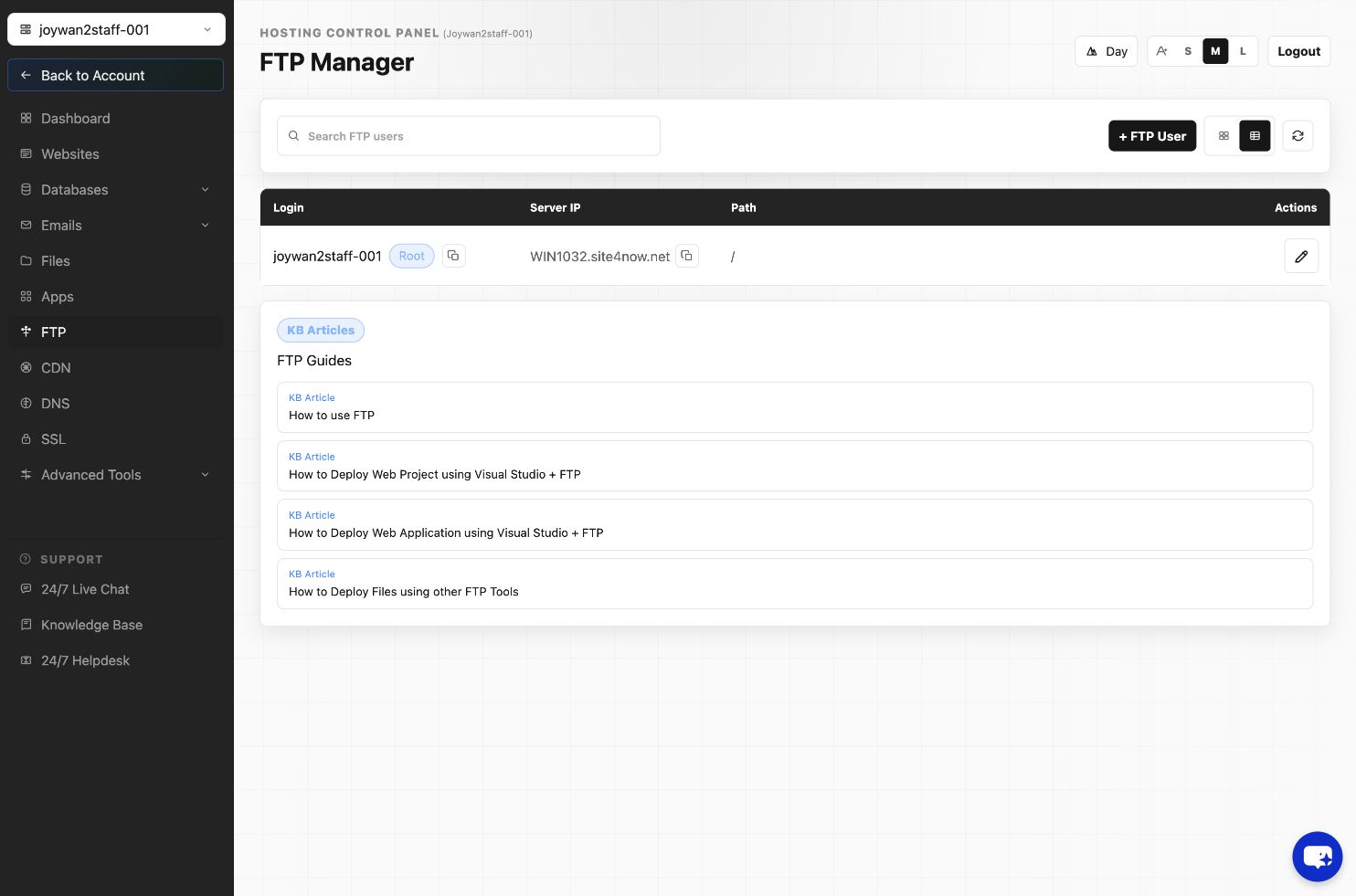
- Open FTP in the Hosting Control Panel.
- Open the additional FTP-user list for the website.
- Locate the user and select its delete action.
- Review the confirmation and submit the deletion.
Deleting an FTP user prevents future sign-ins but does not delete website files. The hosting account's root FTP user cannot be removed through the additional-user list.
Article ID: 2467, Created: August 2 at 8:59 AM, Modified: August 4 at 2:27 AM