Enhanced Browser/IP Security helps stop unauthorized access when someone signs in from an unrecognized browser, IP address, or location. When a sign-in is not recognized, we send a six-digit verification code to your account contact email. Access is allowed only after that code is entered successfully. But what should I do if I lost access to the hosting account contact email? Follow this article.
Step 1: Click the "Can't Login - Help!" button on the email verification page
Step 2: Upload payment proof for your hosting account, you can use a credit card statement, PayPal record, or bank wire record(It is recommended to provide the last four digits of your credit card number or your PayPal email address, depending on how you paid).
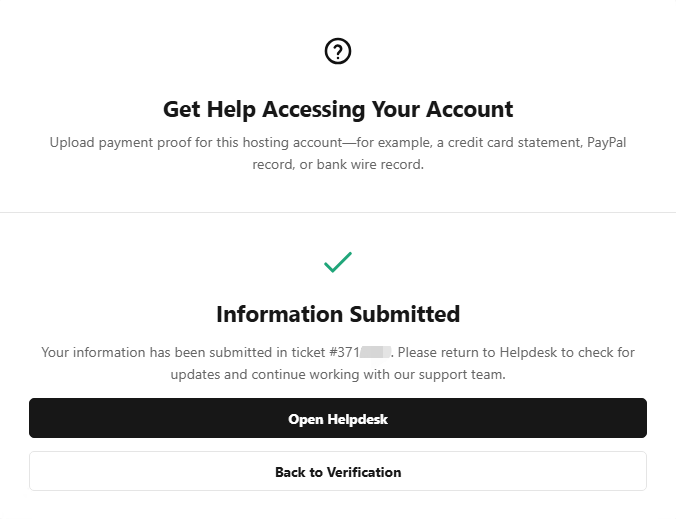
Step 3: After clicking the "Submit for Review" button, a new helpdesk ticket will be created and our support team will handle it ASAP. You can also view the ticket response from us by clicking the "Open Helpdesk" button.
Article ID: 2480, Created: October 28 at 7:33 AM, Modified: October 28 at 7:38 AM